Cameras
Each one covers a spot: the gate, the counter, the store room. The type, lens and resolution decide what you can actually see. Our camera types guide covers the choices.
A plain-English look at the parts of a CCTV system, how footage is recorded and viewed on your phone, and what to plan before you install one.

CCTV stands for closed-circuit television. Unlike a TV broadcast, the video stays inside your own system: each CCTV camera sends its picture to a recorder on your premises, and only the people you give access to can watch it, live or later.
CCTV security systems are used to deter break-ins, check what happened after an incident, keep an eye on staff areas and stock, and see who is at the gate. A good system is not just cameras on a wall. It is the cameras, the cabling, the recorder and the viewing app planned together, so the footage is clear when you actually need it.
Whatever the size, a security camera system follows the same path, from the lens to your phone.
Each one covers a spot: the gate, the counter, the store room. The type, lens and resolution decide what you can actually see. Our camera types guide covers the choices.
IP cameras use one network cable for both video and power, through a PoE switch or a PoE recorder. Neat, protected cable runs are what keep a system working for years.
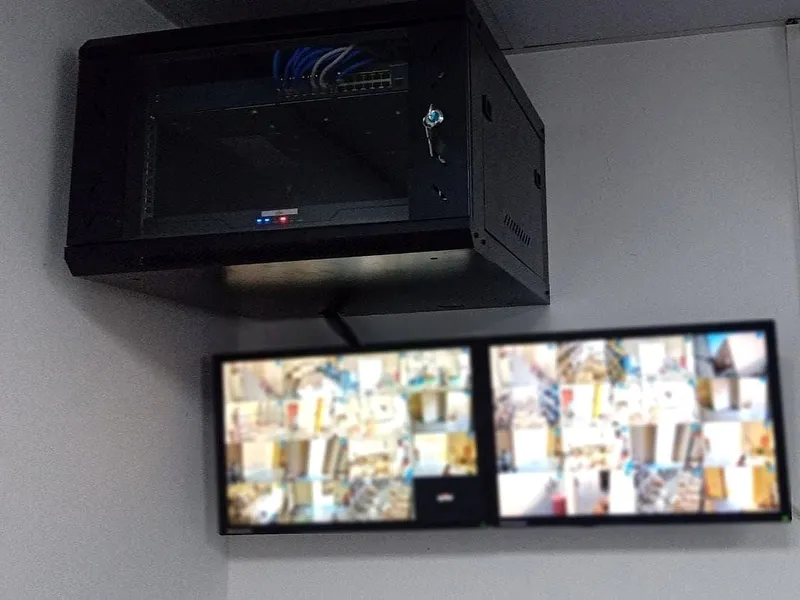
The NVR (network video recorder) saves every camera to a hard drive. It sits in a cabinet or a secure room, away from where an intruder could reach it.
A monitor on site shows the live views, and the phone app lets you check cameras and play back footage from anywhere with internet.
Most recorders record all the time, or only when they detect movement or a person. Recording on motion saves storage, so the hard drive holds more days of footage. When the drive is full, the recorder writes over the oldest footage first, so nothing stops recording.
How many days you keep depends on the number of cameras, their resolution and the size of the hard drive. For a business, it helps to decide this up front, because some incidents are only noticed days later. If you need a clip, export it from the recorder or the app as soon as you can, before it is written over.
Wired IP systems are the standard for new installations: the clearest picture, power and video on one cable, and easy to add cameras later. Analog HD systems make sense when a building already has coaxial cable, because the old cable can be reused. Wi-Fi cameras suit small apartments where cables are not possible, but they still need power at each camera and a strong signal, so they are less dependable for villas and businesses.
Good surveillance systems start with what you need to see, not with a camera count.
Entrances, the gate, the cash counter, stock, parking. Decide where you need to recognise a face and where a general view is enough.
Check mounting points, lighting at night, direct sun, and where cables can run neatly and safely.
Pick camera types and resolution for each spot, and a recorder with enough channels and storage for the days you want to keep.
Change default passwords, create user accounts, set up the phone app and check that every camera records properly.
Not sure how many cameras you need? See how many CCTV cameras do I need.
CCTV in the UAE is regulated for commercial premises. In Dubai, the Security Industry Regulatory Agency (SIRA) sets the rules on approved installers, camera types and coverage for many businesses, and other emirates have their own authorities. Check what applies to your premises before you buy. At home, keep cameras on your own property, avoid pointing them into neighbours' homes, and ask building management before fitting cameras in shared areas.
It is a set of cameras, cabling, a recorder and viewing screens or an app that record video of your property. The footage stays inside your own system and only people you give access to can watch it.
The cameras send video to a recorder (NVR or DVR), which saves it to a hard drive. It can record all the time or only when it detects motion, and it writes over the oldest footage when the drive is full.
Yes. Most modern recorders connect to the internet and work with a phone app, so you can see live views and play back recordings from anywhere. The app needs to be set up with secure passwords.
Yes. The cameras record to the recorder on site without internet. Internet is only needed to watch or receive alerts on your phone when you are away.
It depends on the number of cameras, the resolution, whether it records all the time or on motion, and the hard drive size. Decide how many days you need first, then size the drive to match.
Tell us about your property on WhatsApp and we will suggest a simple, reliable setup that covers what matters.