The power supply
An unbranded or barely-big-enough PSU is the most common saving. It can limit upgrades and, at worst, fail and take other parts with it.
An honest comparison of ready-made and custom-built gaming PCs, the hidden parts that make the difference, and a checklist to use before you buy either one in the UAE.
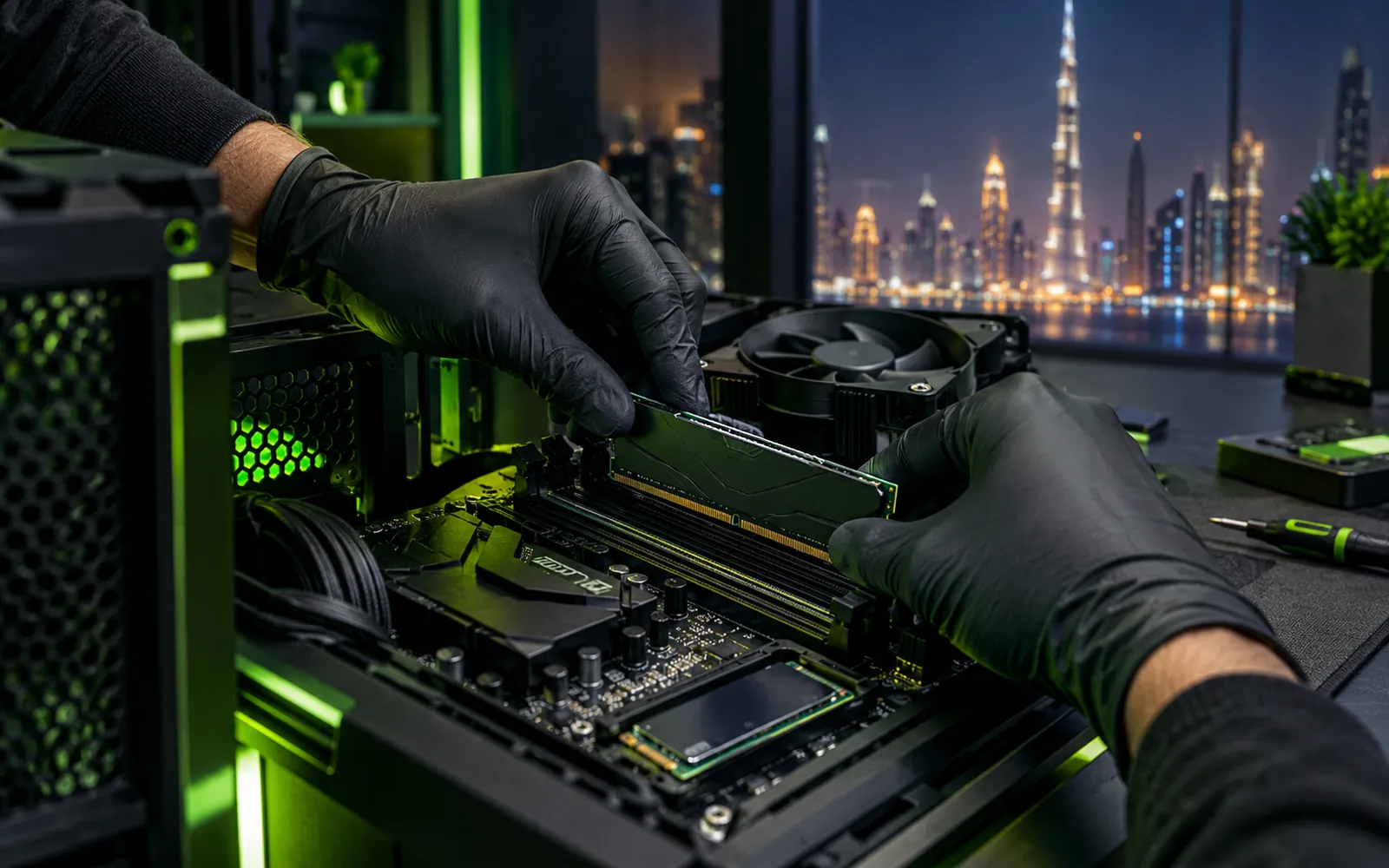
A prebuilt gaming PC (sometimes written "pre built") is a ready-made machine from a brand or a shop, sold as a fixed specification. A self-built PC is one you research, buy and assemble yourself. In between is a custom gaming PC built for you by a PC builder: you choose the parts with their advice, and they assemble and test it.
None is right for everyone. The headline parts, the processor and the graphics card, are often the same across all three. What differs is everything the advert does not mention, and that is where performance, noise and lifespan are won or lost.
| Prebuilt | Custom built for you | Build it yourself | |
|---|---|---|---|
| Choice of parts | Fixed; a few options at most | Every part chosen with advice | Every part, your research |
| Hidden parts | Power supply, board and RAM often unnamed | Full list, brand and model | Full list, brand and model |
| Time to get it | Same day if in stock | Once parts are in and the PC is tested | Research, shopping and a build day |
| Assembly and testing | Done by the factory or shop | Done and stress tested for you | Your job |
| Upgrades later | Can be limited by a small PSU or custom parts | Planned in from the start | Planned in from the start |
| Warranty | One warranty for the whole PC | Parts warranties, with the builder as one contact | Each part claimed separately |
Not every prebuilt does this, and plenty are well made. But these are the places to look, because they rarely appear in the headline specification.
An unbranded or barely-big-enough PSU is the most common saving. It can limit upgrades and, at worst, fail and take other parts with it.
One stick of RAM instead of two halves memory bandwidth and can cost real frame rate in many games.
An entry motherboard or a stock cooler under a fast processor can mean heat, noise and lower boost speeds, especially in a warm UAE room.
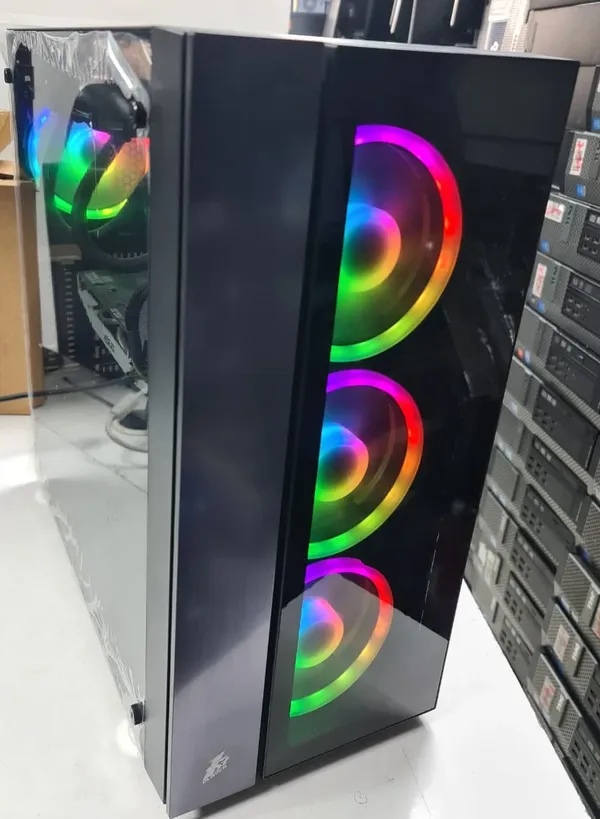
A closed glass front and too few fans look smart in photos but trap heat. Check for a mesh front and the number of fans included.
You need a PC today, you found one where every part is listed and decent, or a sale makes a good model genuinely cheaper than its parts.
You want every part chosen for your games and budget, without researching compatibility or building it yourself. This is what a PC builder in the UAE is for.
You enjoy the process and have the time. Our how to build a gaming PC guide walks through it.
Whether you buy from a gaming PC shop, a big electronics store or online, ask for the full specification in writing. A seller who can answer every line on this list is usually one you can trust.
We build custom gaming PCs and workstations for customers in Dubai and across the UAE. You tell us the games or software you use, your monitor and your budget; we send a parts list with every brand and model named and explain where the money goes. Then we assemble the PC with clean cable management, set it up and stress test it before handover. Found a prebuilt you like? Send us its specification and we will tell you honestly whether it is good value. See our custom gaming PC builds for details.
A custom PC usually gives better parts for the money and easier upgrades, because every component is chosen and named. A prebuilt is quicker and has one warranty for the whole machine, and can be good value when every part is listed and decent.
Some are, especially in a sale. Check the parts that are often left out of the advert, such as the power supply, motherboard and memory. If those are good, a prebuilt can be a sensible buy.
Ask for the exact graphics card model, the power supply brand and wattage, two sticks of RAM, the motherboard model, the SSD type, the cooling and fans, and a warranty that is handled in the UAE.
Usually you can add memory and storage. Graphics card upgrades depend on the power supply and case space, and some brand PCs use non-standard parts that make bigger upgrades difficult.
Yes. Send us the full specification on WhatsApp and we will tell you whether the parts are balanced and the price is fair compared with a custom build.
Tell us your games, monitor and budget on WhatsApp, or send a prebuilt spec you are considering, and we will give you an honest answer.