Keep it cool all day
Aim for roughly 18 to 27°C at the front of the rack. In UAE summers a small room with a switch, recorder and server can overheat within hours if the AC stops.
Everything a small or medium office needs to plan for a server room or comms room that stays cool, powered and secure in the UAE climate.
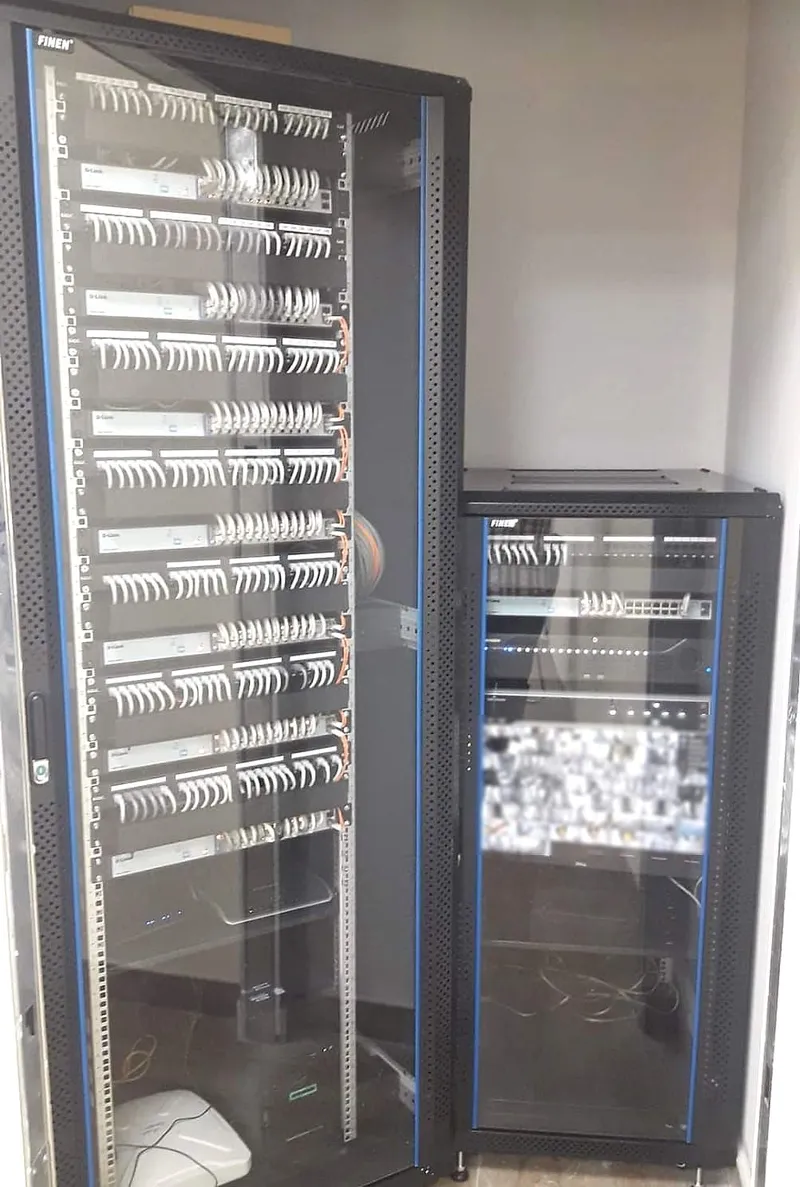
In most small offices the "server room" is a cupboard or a corner with one rack. It holds the internet router, the network switches, the CCTV recorder, the phone system and sometimes a file server. If that room overheats or loses power, the whole office stops. Planning it properly costs little more than doing it badly, and it prevents most outages we are called out to fix.
| Area | What to plan | Why it matters |
|---|---|---|
| Location | An internal room with no windows, away from water pipes and kitchens, with space to open the rack doors | Sunlight and leaks are two common causes of failure |
| Rack | A floor-standing rack (often 42U) or a wall-mounted cabinet for small sites, with room to grow | Keeps equipment organised, ventilated and locked |
| Cooling | A dedicated air conditioner that runs 24/7, ideally two units so one can cover if the other fails | Building AC often switches off at night and at weekends |
| Power | A dedicated circuit, proper earthing and a UPS sized for the equipment | Short power cuts and spikes damage equipment and corrupt data |
| Cabling | Labelled patch panels, cable managers and tidy patch leads | Any fault can be traced in minutes instead of hours |
| Security | A lockable door, access control or a key log, and a camera at the entrance | Only authorised people should touch the network |
| Monitoring | A temperature sensor that sends an alert, and a UPS that alerts on power loss | You hear about a problem before staff do |
| Backups | Regular backups with one copy kept off site or in the cloud | Hardware can be replaced; lost data often cannot |
Aim for roughly 18 to 27°C at the front of the rack. In UAE summers a small room with a switch, recorder and server can overheat within hours if the AC stops.
Add up the power of everything in the rack and pick a UPS with headroom. It should run long enough to ride through short cuts and shut servers down safely in a long one.
Cold air in at the front, hot air out at the back. Blanking panels in empty rack spaces and tidy cables stop hot air circling back in.
Replace UPS batteries on schedule, test that the UPS really carries the load, and check the AC filters during regular maintenance.
The problems we see most often are equipment placed in a store room that is also used for files or cleaning supplies, a single AC unit with no backup, a UPS whose batteries died years ago, unlabelled cables that nobody dares to touch, and backups kept on a drive sitting next to the server. Each one is cheap to fix before it causes downtime.
Larger rooms may also need fire detection or suppression that meets your building's Civil Defence requirements, so check with building management before fit-out.
Keep the air entering the equipment roughly between 18 and 27°C. Use a dedicated air conditioner that runs around the clock, because building AC often switches off at night and at weekends.
Most small offices need at least a secure, ventilated space for the router, switches, CCTV recorder and phone system. A lockable wall-mounted cabinet in a cool room is often enough; a separate room makes sense as the office grows.
Add up the power drawn by everything in the rack and choose a UPS with spare capacity. It should cover short power cuts and give servers enough time to shut down safely in a longer outage.
Ideally not. Direct sun heats the room and makes cooling harder, and a window is also a security risk.
Yes. We install racks, patch panels and cable management, label and test every cable, and can include the room in a maintenance contract so it is checked regularly.
Send us a few photos of the room and the equipment, and we will suggest the rack, cooling, power and cabling it needs.